ISB Merlin 4000
Context
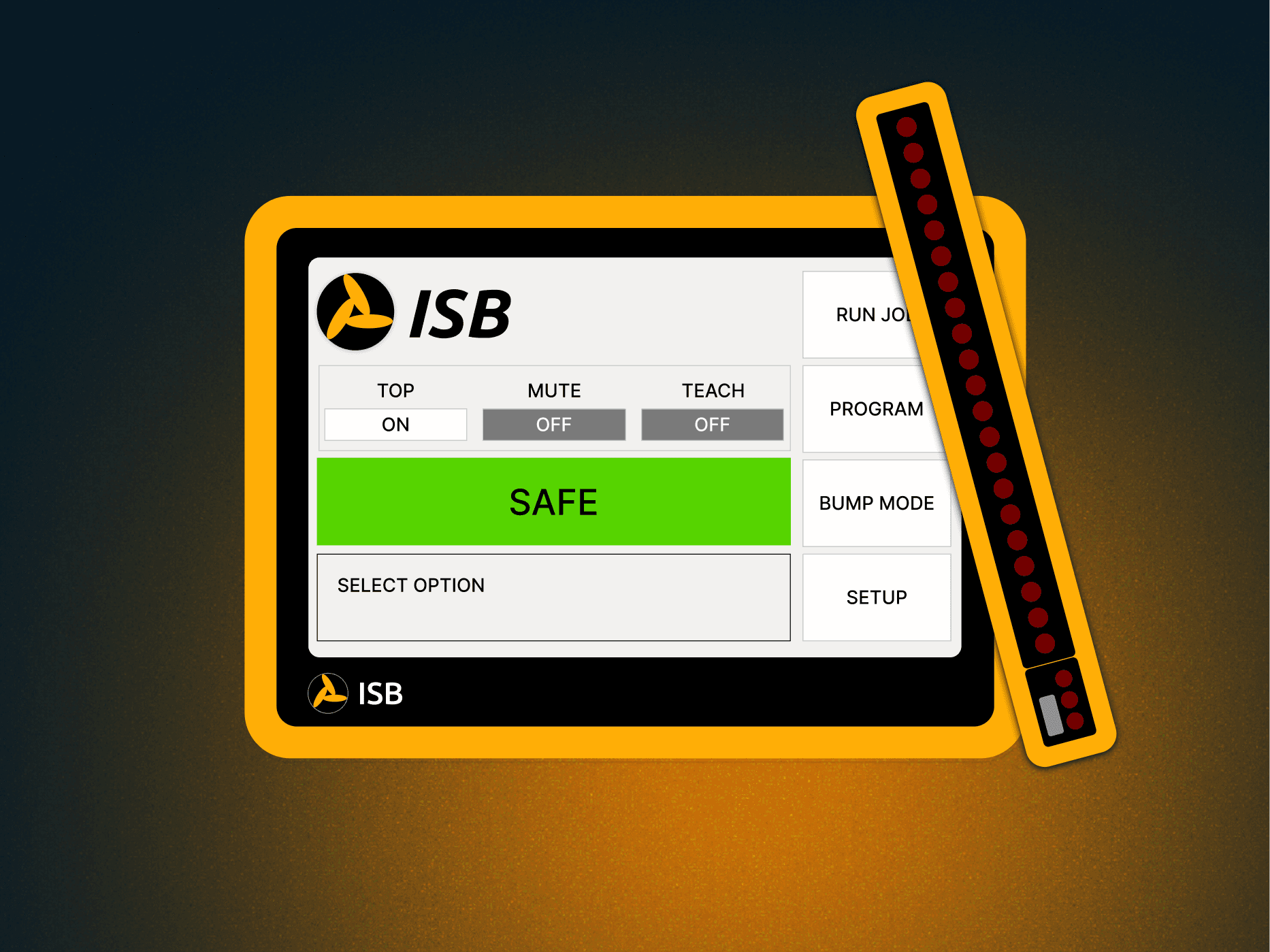
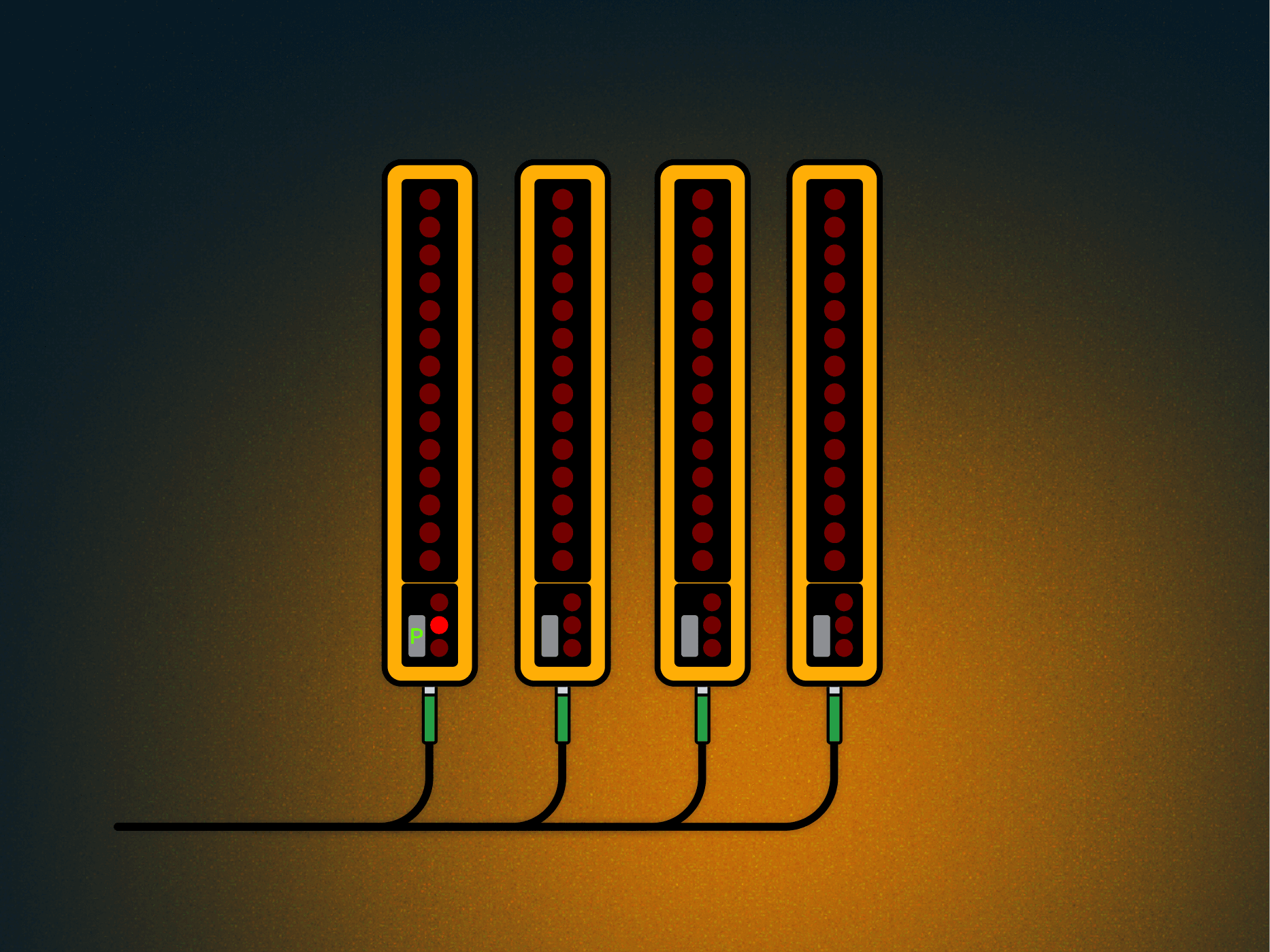
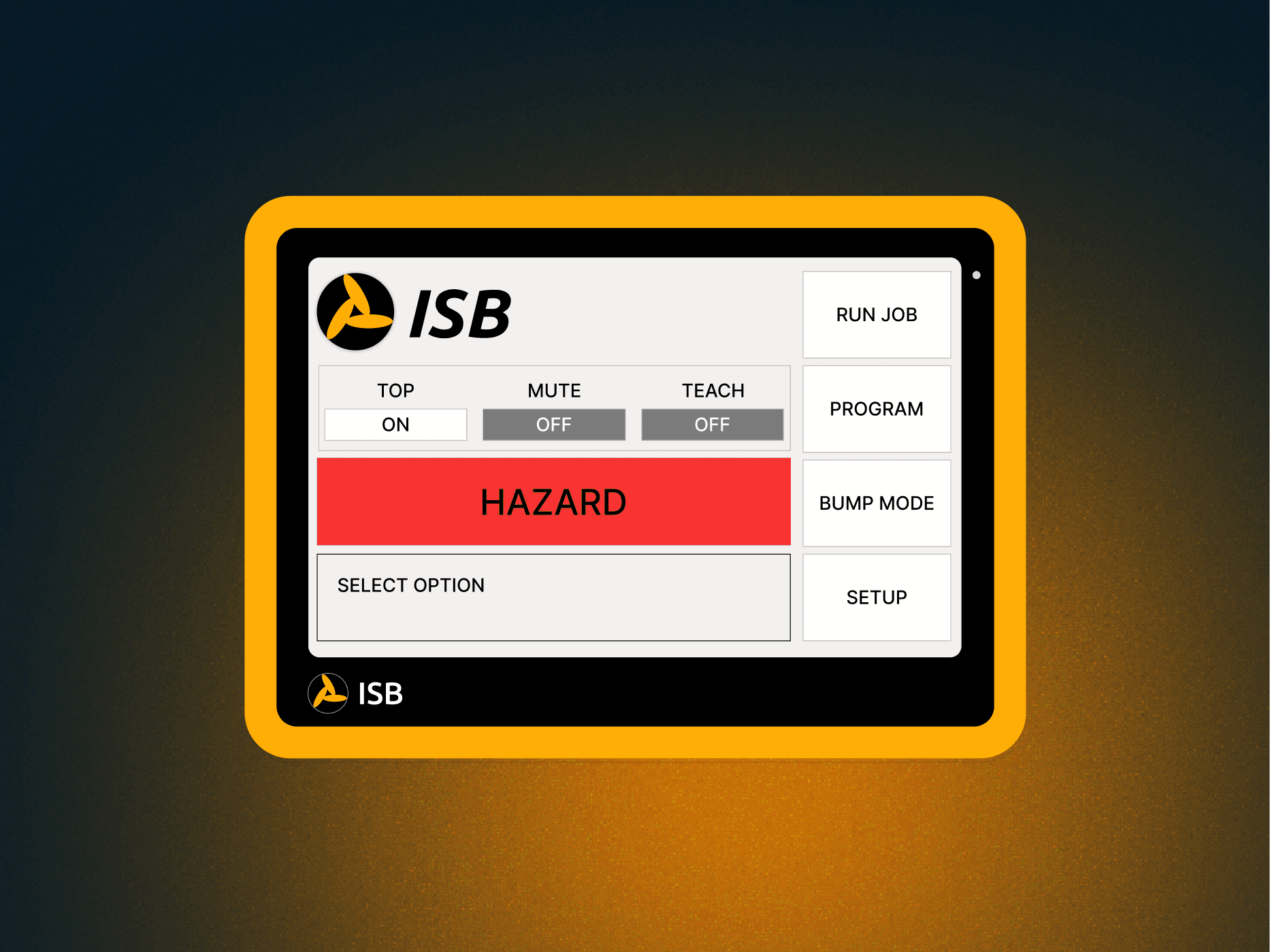
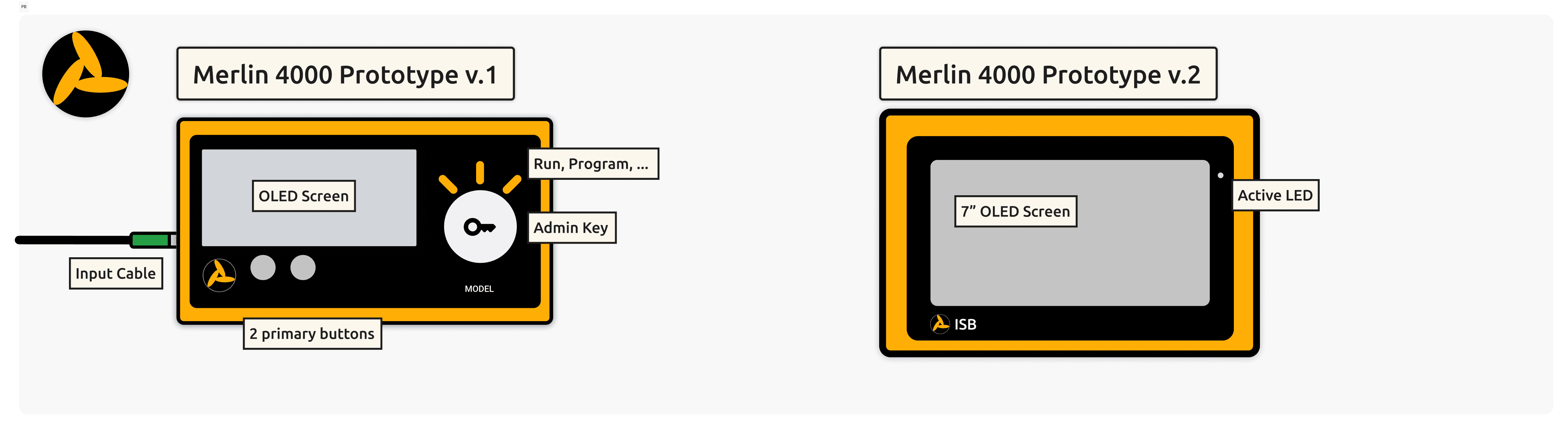
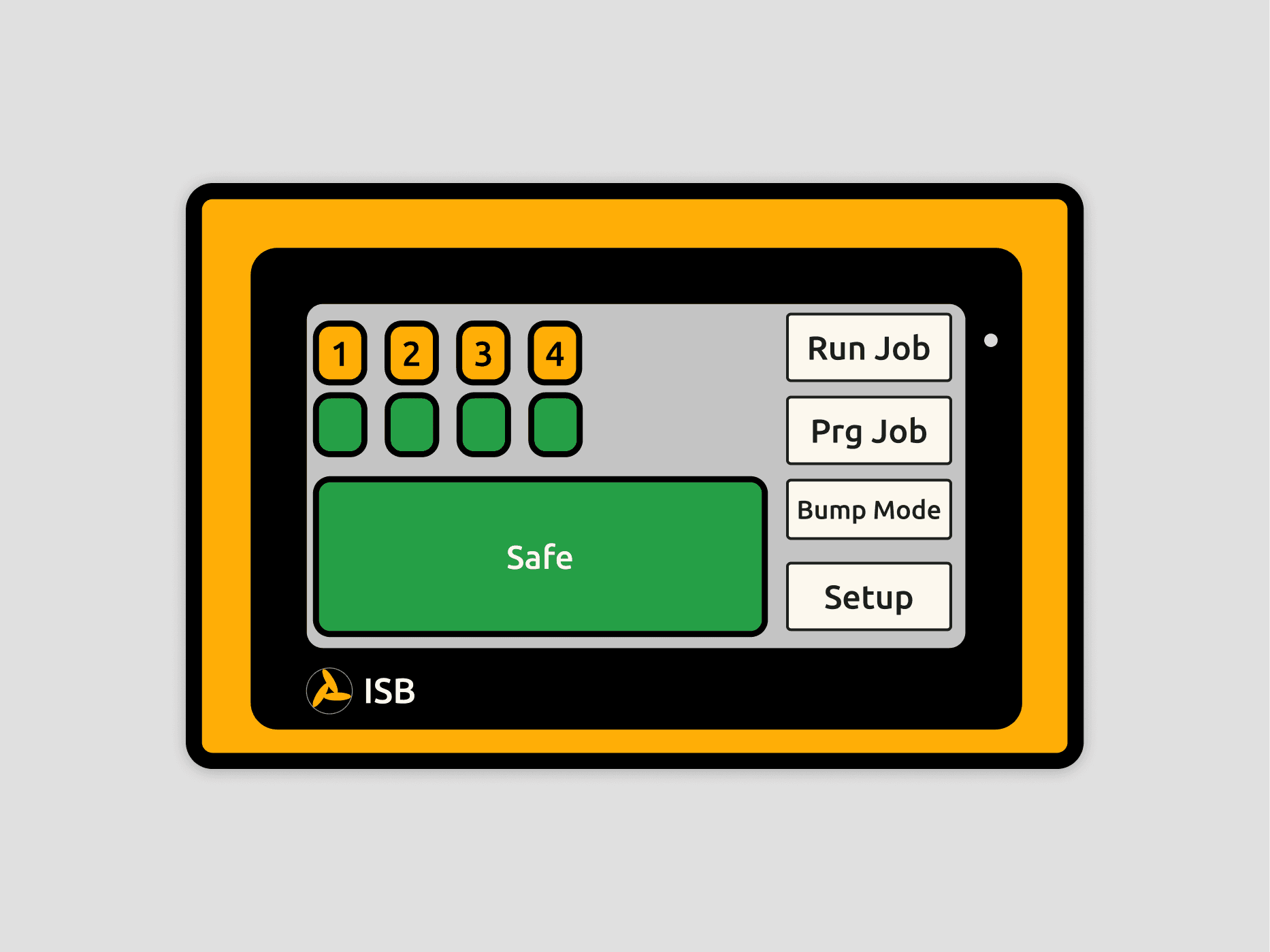
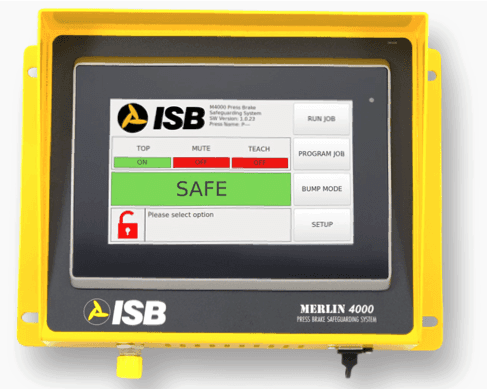
Redesigning the Merlin press brake system with a touch interface, automation, and real-time feedback will boost efficiency, reduce errors, and enhance safety.
Role
UXUI Designer
Timeline
3 Months
Development Process
Research
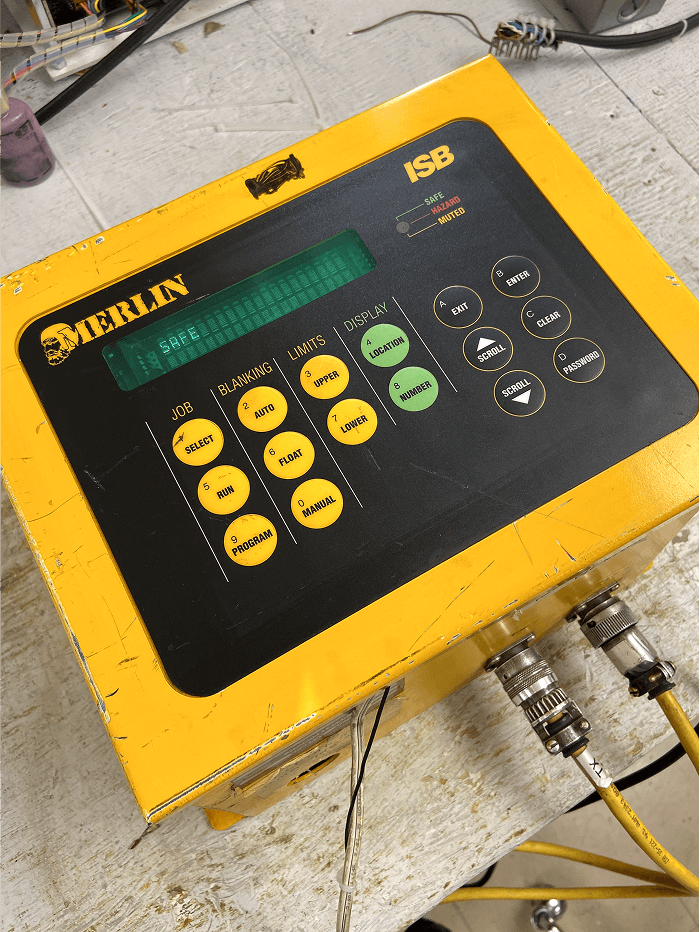
While I conducted primary and secondary research, engineering assessed the device’s limitations. Since this was a full overhaul of the Merlin 3000, understanding our capabilities was crucial.
Synthesis
After identifying client concerns through research, I presented my findings to stakeholders, highlighting the most critical updates for the Merlin 4000.
Conceplization
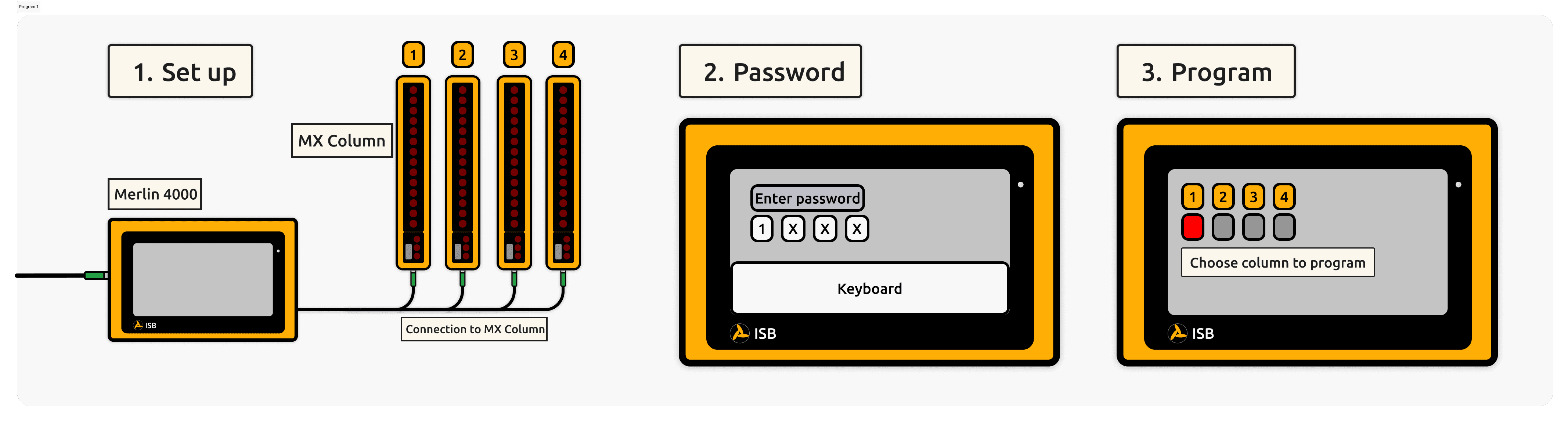
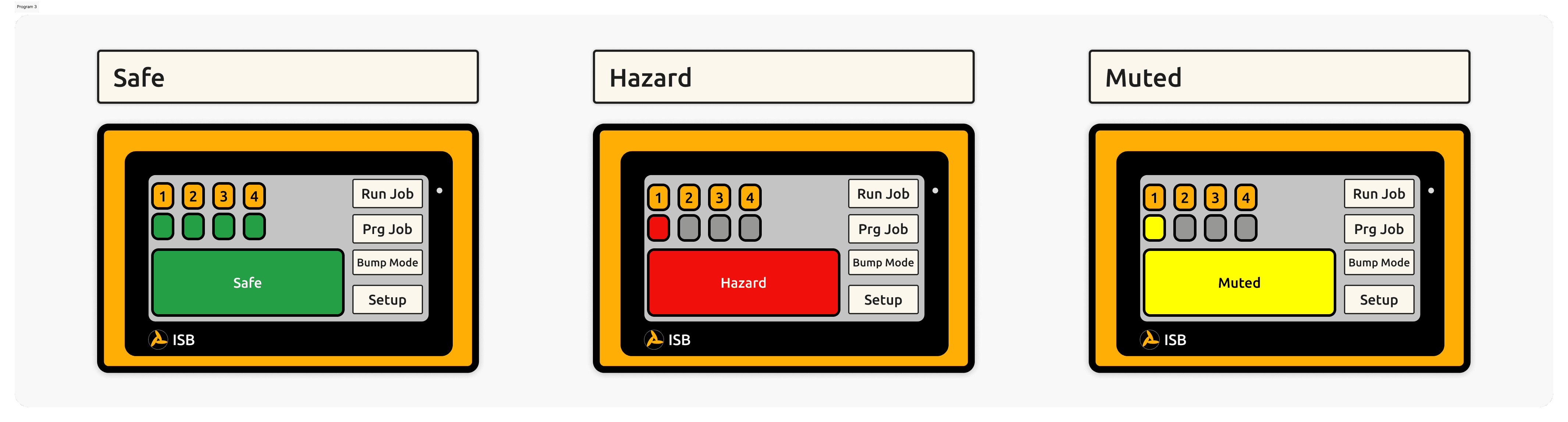
I created mockups and user flows while engineering finalized the device resolution and other specifications.
Development
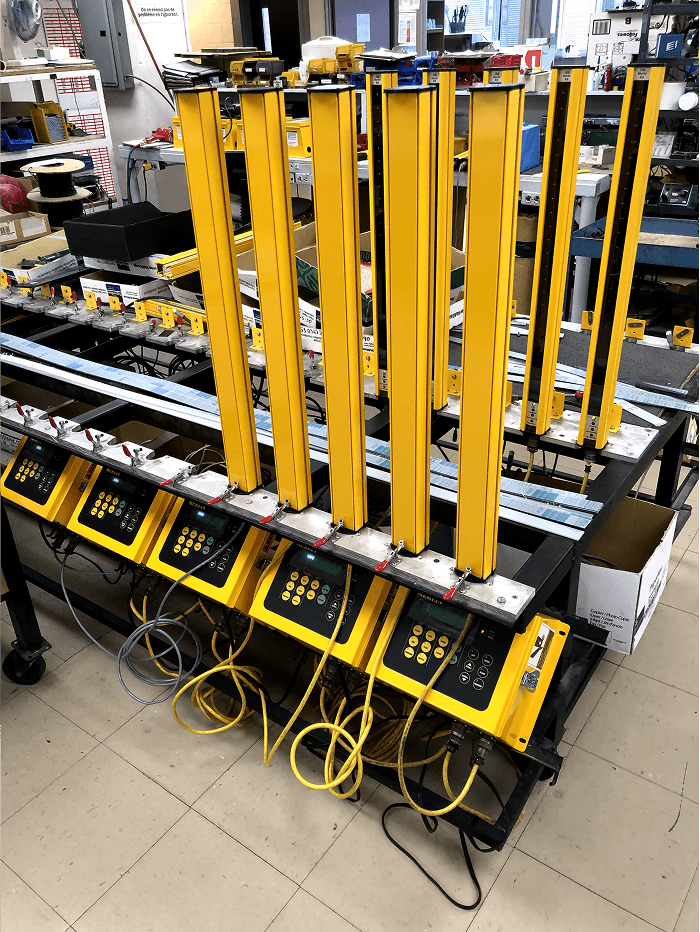
Once both the design and engineering teams approved the designs, we developed a prototype for real-world testing in a controlled environment. The testing process was intensive and required travel to various sites.
Statistics and Secondary Research
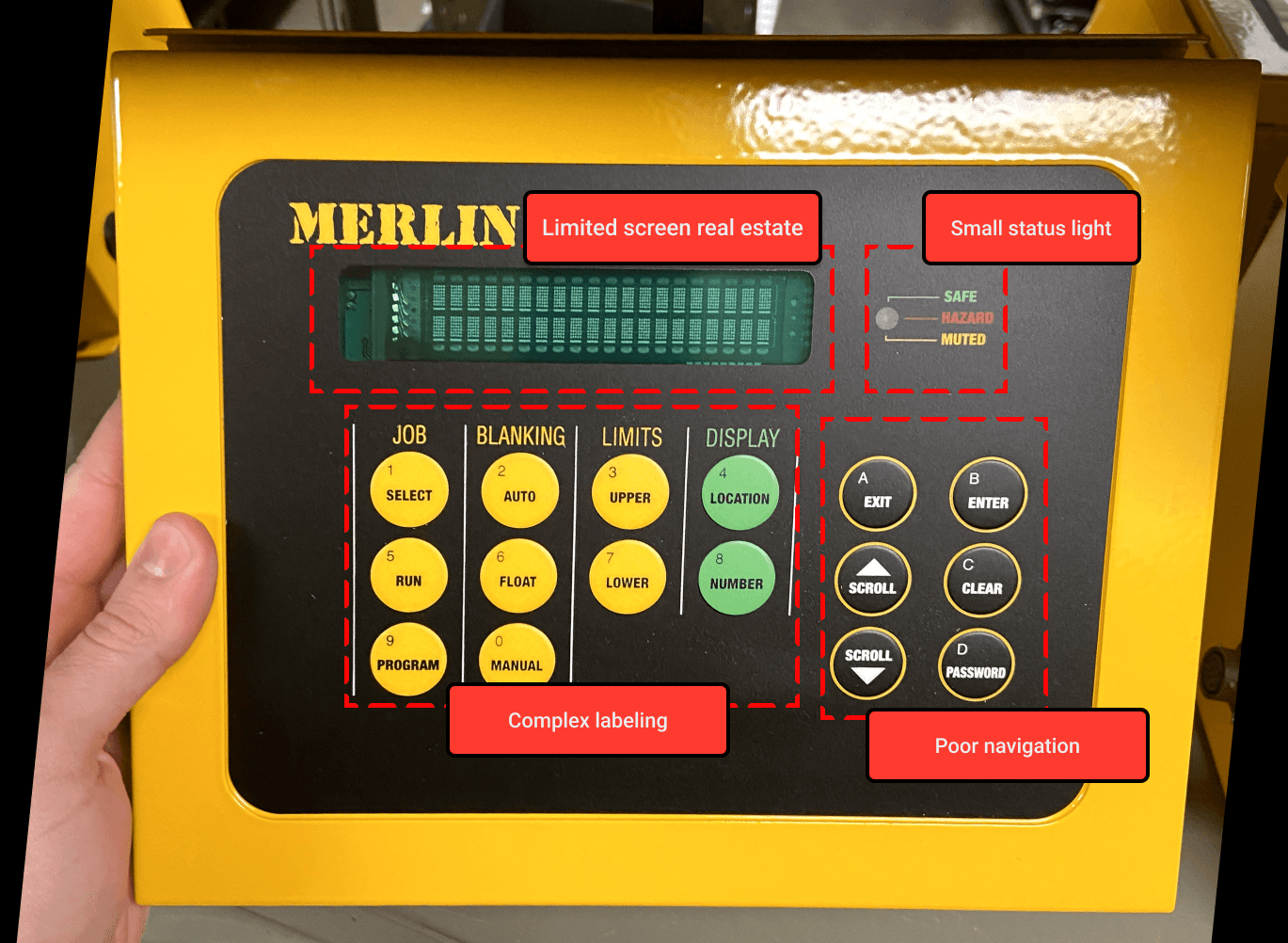
We started with in-depth secondary research using the data from our Pendo and drawing hypotheses and insights on what needs to be worked on exactly.
30%
User Satisfaction
57%
Profile Errors
24min
Average Time Spent
Final Results
Post-launch, I gathered data through client surveys, usage analytics, and error logs. Metrics showed increased upgrades to the Merlin 4000, fewer programming errors, and reduced training time due to improved navigation.
76%
Clients would Switch to Merlin 4000
89%
Fewer Programming Errors
22min
Drop in Training Time
Reflections
Unique UXUI Experience
This project was unique as it blended HMI design with digital UX/UI, ensuring seamless interaction between physical controls and a modern touch interface. It prioritized efficiency, safety, and usability while meeting industrial and ergonomic standards.
Collaboration
Collaboration with engineering was crucial to ensure the design aligned with hardware capabilities, safety standards, and real-world constraints. Their input helped refine feasibility, optimize performance, and integrate UX/UI seamlessly with the physical system.
Think Outside the Box
Thinking outside the box was essential to reimagining the user experience beyond traditional HMI design. By challenging standard interfaces, we introduced a more intuitive touch-based system, streamlined workflows, and reduced errors. This approach allowed us to push past limitations and create a more efficient, user-friendly solution.